01
Shoot real photos for your listings
Window light, a sheet of poster board, phone settings, room for the thumbnail crop, keeping color true, and an 8-shot list from the hero shot to a short video.
For physical-product sellers
AI can make your product look amazing. That's the problem. It can make it look like a different product. This guide splits the job in two. Real photos, shot with your phone by a window, carry your listings. AI images go to work on social posts, Pins, Reels and ads, and they still have to match the product in the box before anyone sees them.
Secure checkout via Gumroad. Instant PDF download. No account required. 14-day trust refund.
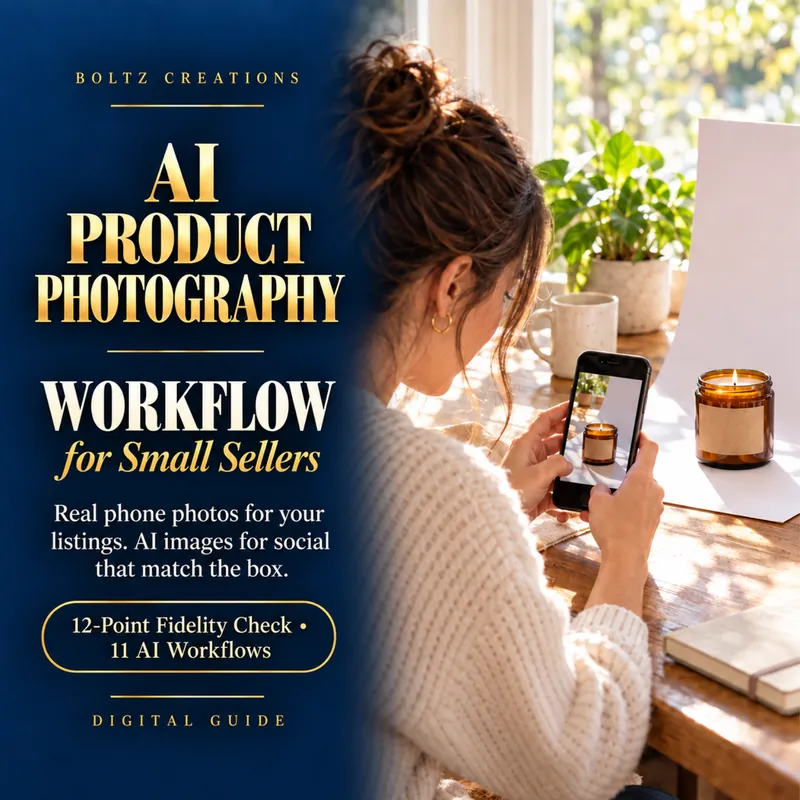
The AI Product Photography Workflow for Small Sellers
Real phone photos for your listings, AI images for social that match the box.
$12
Get the workflowSecure checkout on Gumroad. Digital download. See Terms and Privacy.
How it works
This is a PDF guide, not software. All you need is a phone, a window, a sheet of poster board, and a free ChatGPT or Gemini account. Free plans have usage limits, so some days you'll wait between images.
Window light, a sheet of poster board, phone settings, room for the thumbnail crop, keeping color true, and an 8-shot list from the hero shot to a short video.
A 16-field record of your product, including size, colors, finish, exact label text and what it doesn't have. Paste it into your AI sessions.
4 editing workflows for your real photo and 7 AI scene workflows for social and ads. Every AI image gets checked against the sheet and your real photos before it goes out.
What's inside
What Etsy, TikTok Shop, Instagram, Facebook and Pinterest say about product images and AI, taken from their own pages, plus a table of this guide's recommended placements for real photos and AI images.
Color, shape, size in the scene, flat stays flat, label, print and layout, texture and finish, state, nothing added, contents, uses and effects, hands, and the buyer test. One fail means the image doesn't ship.
How OpenAI, Google, Meta, Pinterest and TikTok mark or label AI images, when to use a platform's disclosure setting, and two caption lines that explain what AI did. A caption doesn't replace a required setting.
What to try when the label blurs, the finish changes, the scale is off, the bundle grows an extra item, or the hand has a spare finger. Picking between ChatGPT and Gemini. A caption prompt that tells the AI not to invent reviews, sales or features.
Three real objects, run through the guide in ChatGPT and Gemini. Eight first-attempt AI images, every verdict shown. One is a conditional candidate with checks still to run, two are on hold, and five were rejected. It's not a benchmark. It's a look at what the checklist catches.
Read first
Audit the photos you already have before you change anything. The free checklist takes a few minutes and shows where to start.
Small sellers of physical products on Etsy, TikTok Shop and Instagram who want better images without a studio, and who would rather not find out from a one-star review that their AI photo lied.
A way to pass AI images off as real photos. A promise that any platform will approve your images. Legal advice. Looking for client-message workflows instead? Those are in the agent workflows section. Selling digital products? See the digital product seller workflows.
Email directly. No chatbot. Boltz Creations, LLC.
Terms and refund policy · Privacy · Digital product seller workflows