40+ prompts that kill the AI look in product photos. Lighting, texture, staging and the small details that make a generated image read as a real photograph. This article is the method behind them.
GET THE RAW TO REVENUE KIT →You can spot it before you can explain it. The lighting is too even. The shadows fall wrong, or don't fall at all. The surface texture repeats in a way nothing in the real world repeats. That's the AI look, and buyers are getting better at spotting it. Even when the product is real, an image that looks generated can quietly weaken trust.
The fix isn't avoiding AI tools. It's knowing which four things give the image away, and correcting for them before you upload.
The Four Tells
1. Lighting that's too perfect
Real product photography has one dominant light source and a visible shadow direction. AI-generated images often light the product from everywhere at once, which reads as artificial the moment it's next to real listings in a search grid.
2. Platform crop that's wrong for the format
A gorgeous 16:9 hero shot means nothing if the platform crops it to a square thumbnail and cuts the product in half. Generate, or crop, for the exact aspect ratio the platform actually displays.
3. No lifestyle or in-use context
A product floating on a seamless background looks like a render because it usually is one. One image showing the product in a plausible real-world setting does more to establish authenticity than four more angles of the same clean studio shot.
4. Missing close-up detail
Texture, stitching, material grain, the things a buyer would touch if they could. AI renders often smooth these away entirely. A single close crop showing real surface detail undoes most of the "generated" feeling in the rest of the set.
Run the check: pull up your current listing images next to a competitor's real photo. Many sellers will find several weak spots immediately, especially around lighting, platform crop, lifestyle context, and close-up detail. That's the list above, in order of how often it shows up.
Where This Fits in the Workflow
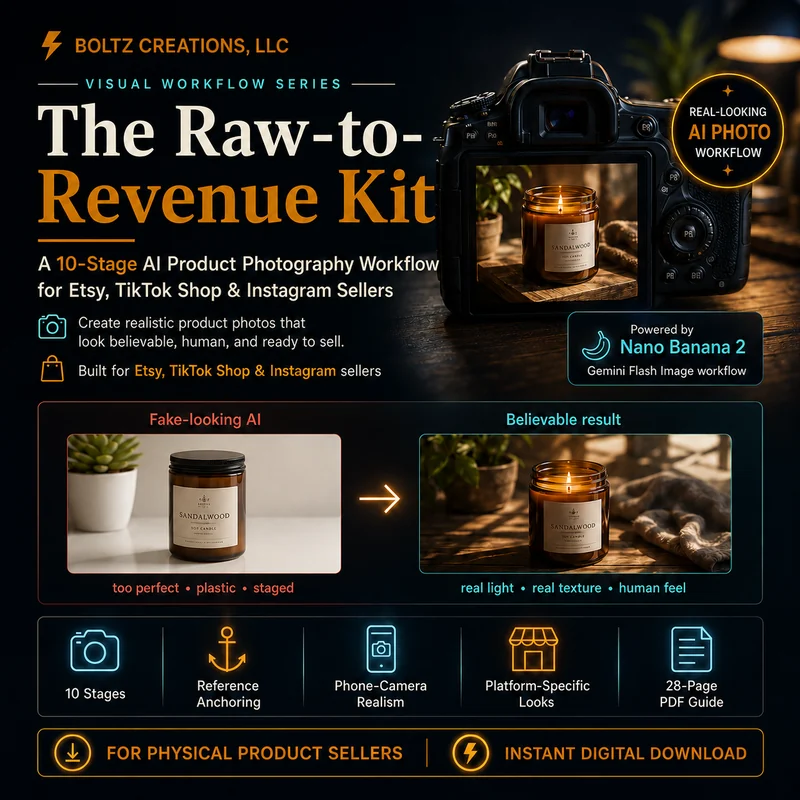
This isn't a one-off Photoshop fix. It's a sequencing problem, generate the base image, then deliberately correct for each of the four tells before it ever reaches a listing page. The Raw-to-Revenue Kit builds this into a 10-stage process: raw photo or AI render in, mockup, background, lifestyle shot, and infographic-ready image out, with prompts tuned for ChatGPT, Claude, and Midjourney-style tools.
You don't need a design background to run it. You need to know what's actually wrong with the image before you try to fix it, which is the whole point of the four tells above.
 Get the Image Workflow Kit →
Free tools, no strings. The Starter Toolkit is 5 copy-paste AI prompts for validating, listing and pricing digital products. Enter your email and I will send it over.